How to Change the Maximum Player Count for Soulask Server
1. Log in to the Game Panel.
2. Stop the server.

3. Navigate to the [Start up] tab.

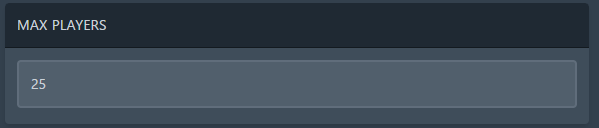
4. Enter your desired number in the [Maximum Player Count] field.
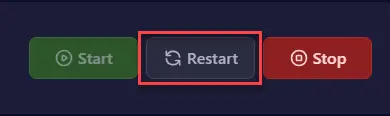
5. Restart the server.

How to Change the Maximum Player Count for Soulask Server
1. Log in to the Game Panel.
2. Stop the server.
3. Navigate to the [Start up] tab.
4. Enter your desired number in the [Maximum Player Count] field.
5. Restart the server.


