New here? A Minecraft server will not run until you have agreed to the EULA. If your server stops right after you start it, see Minecraft Java Edition – Initial Setup.
Basic Usage
The BESTNET Game Server Panel has a feature that allows you to easily select and install MOD packs on your Minecraft JAVA server.
With the following steps, even beginners can easily build a server with a Mod pack installed.
STEP1. Open the Modpack Installer
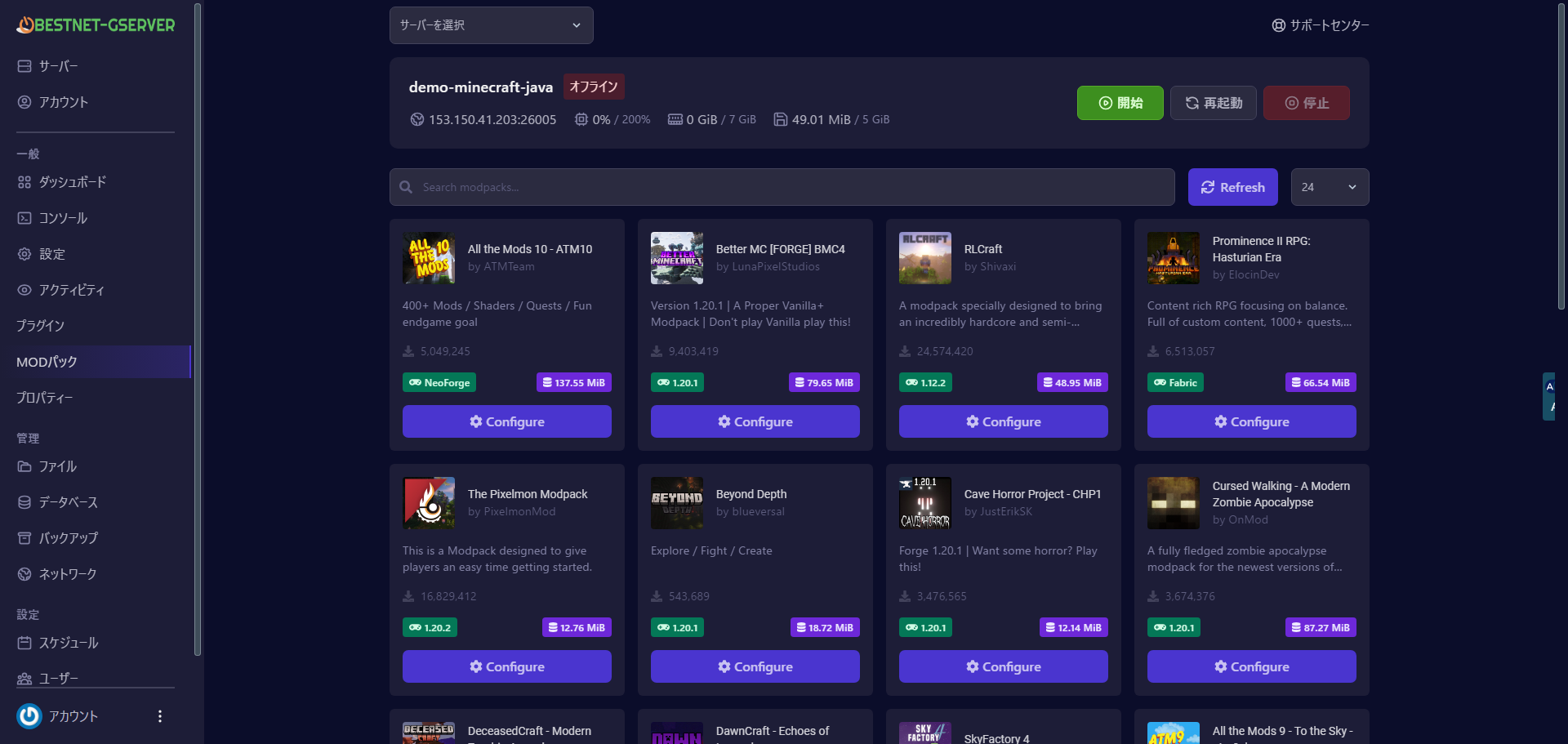
Click on MOD pack (MOD pack) in the left menu of the target server page. A Modpack search screen will be displayed.
STEP2. Search for Modpacks
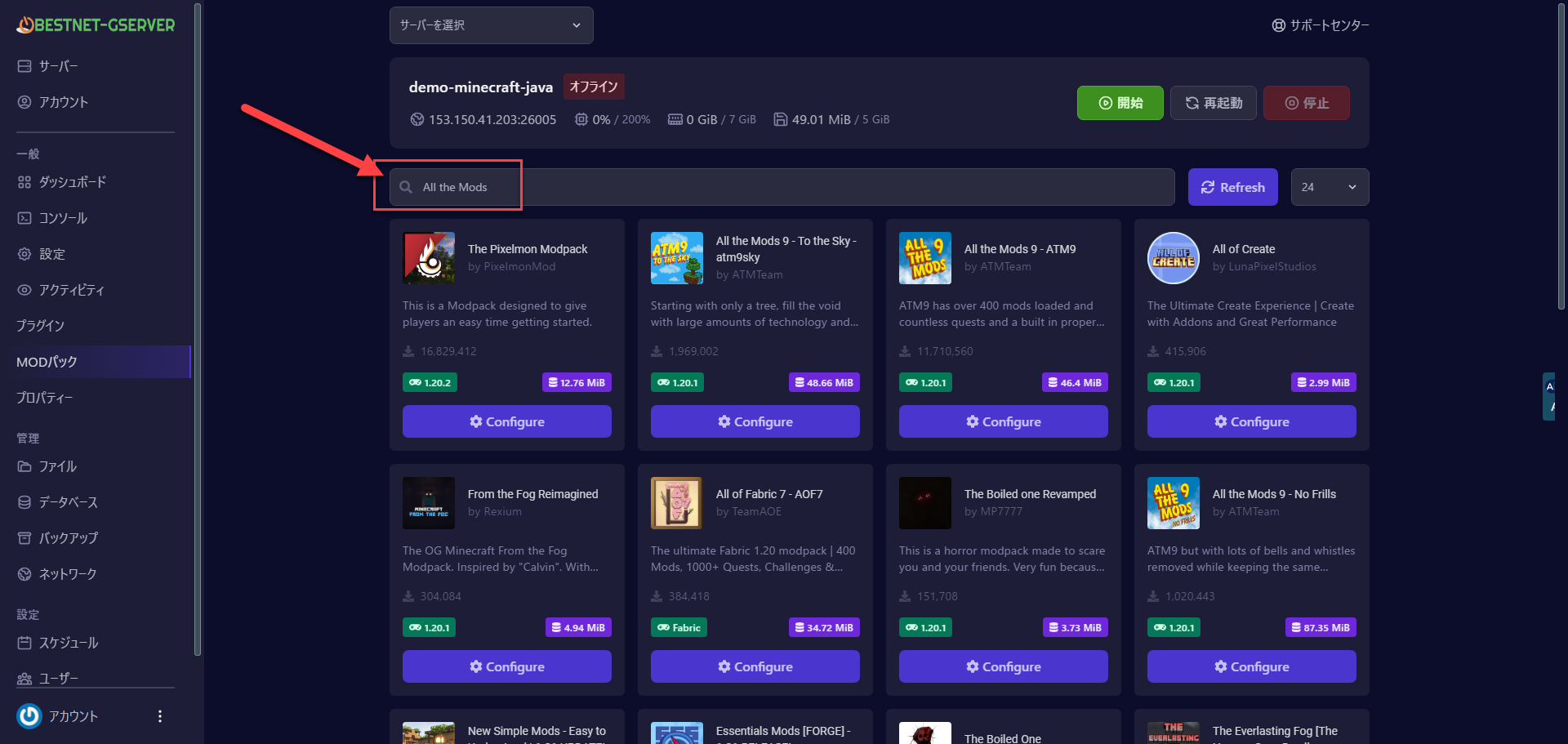
Enter the name or keywords of the Modpack you want and search for it. For example, let’s search for the popular Modpack “All the Mods”. You can also browse from a list of categories or popular Modpacks.
STEP3. Version Selection
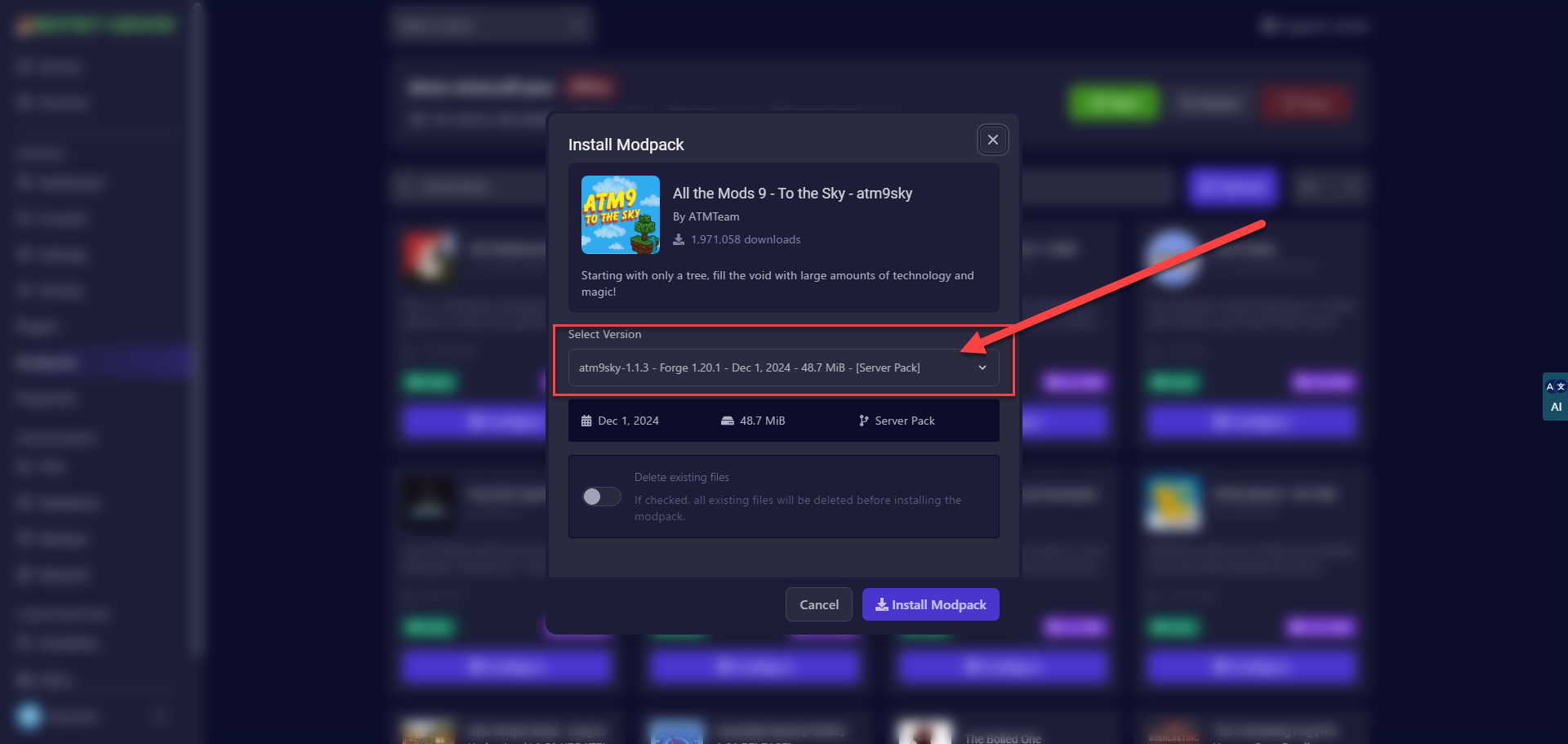
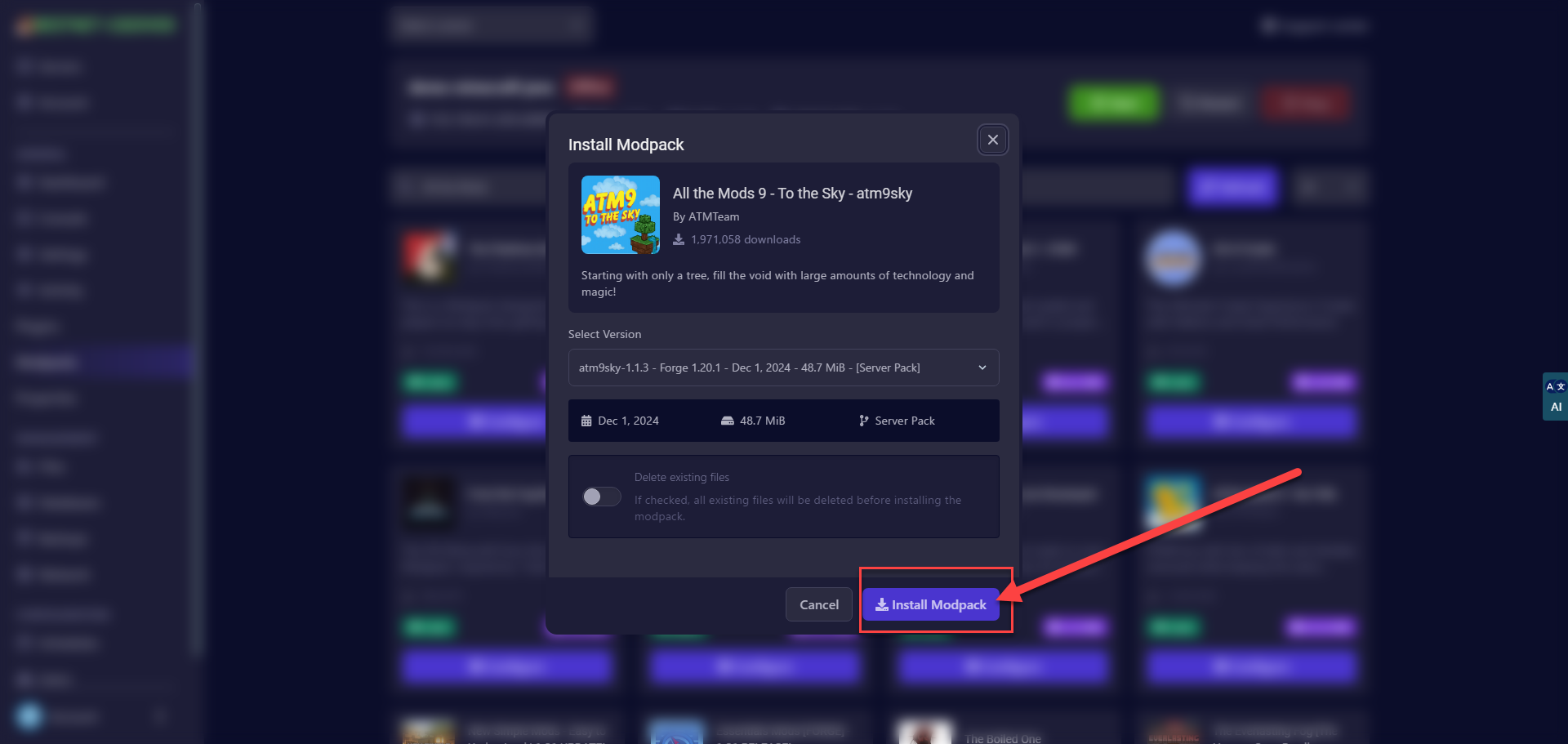
Depending on the Modpack, there may be multiple versions (for example, versions for Minecraft 1.16 and 1.18) or different Mod loaders (Forge version and Fabric version) available. The addon will automatically narrow down the options suitable for your server, but you can select the combination you want to install if necessary.
If there are differences between versions (for example, displays such as “Latest” or “Recommended”), it is usually best to select the stable version.
STEP4. Install MODs
Click the “Install Modpack” button to start the installation.
STEP5. Please Wait for Installation to Complete
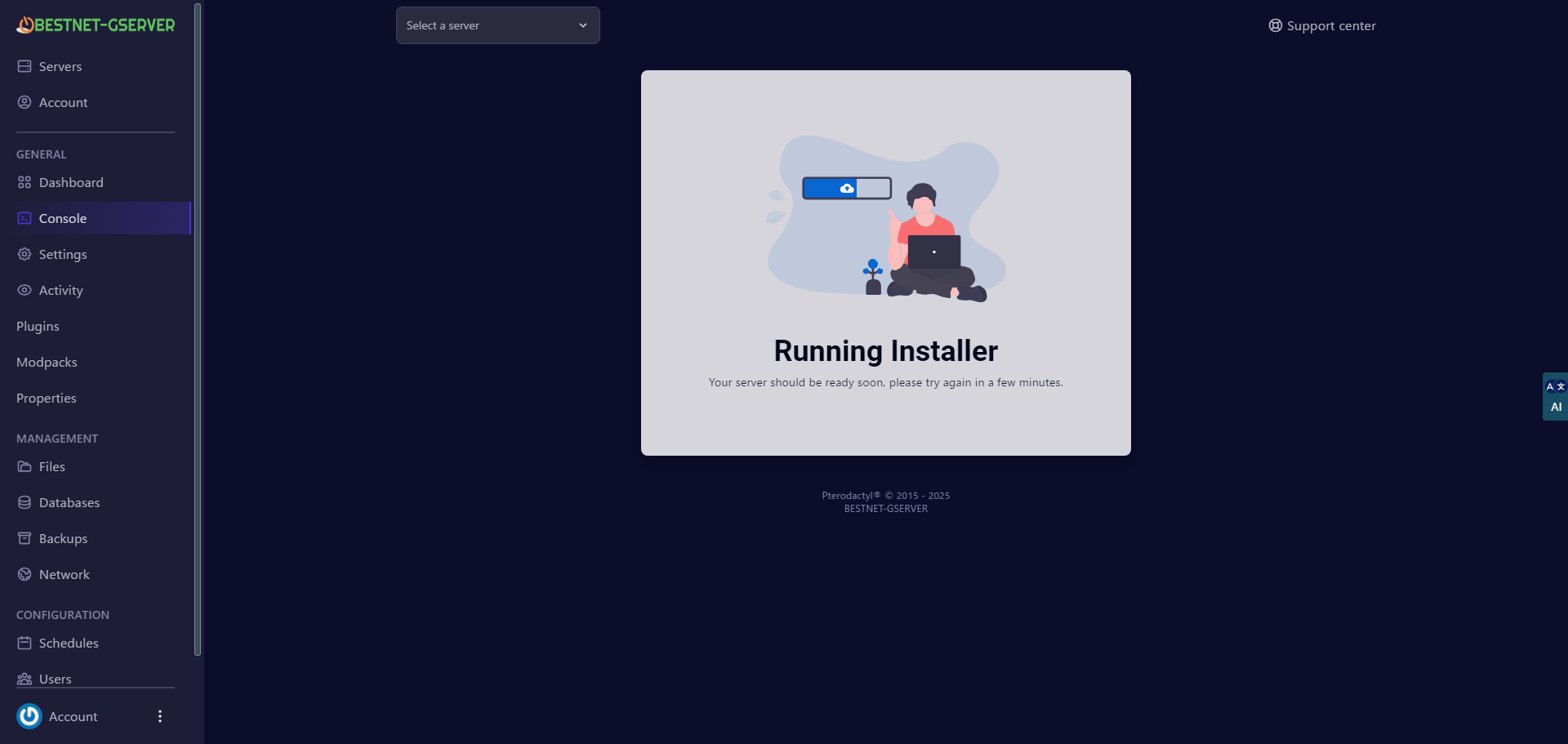
When the Modpack installation starts, the server will stop and the installation process will begin.
Please wait a few minutes.