Contents
- How to Change Season Settings on HumanitZ Server 1. Log in to the Game Panel.
- 2. Stop your server.
- 3. Navigate to the [Start up] tab.
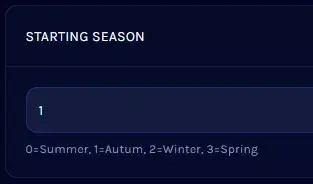
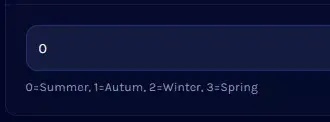
- 4. Find the [STARTING SEASON] section.
- 5. Enter the matching value to change to your desired season.
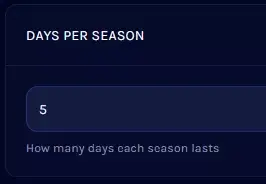
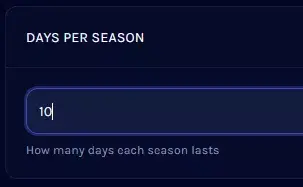
- 6. Proceed to the [DAYS PER SEASON] section.
- 7. Enter the desired number of days for each season.
- 8. Start your server.
- V Rising Server