
Contents
How to Change Death Penalties on HumanitZ Servers
1. Log in to the Game Panel.
2. Stop the server.

3. Go to the [Startup] tab.

4. Find the [ON DEATH] section.
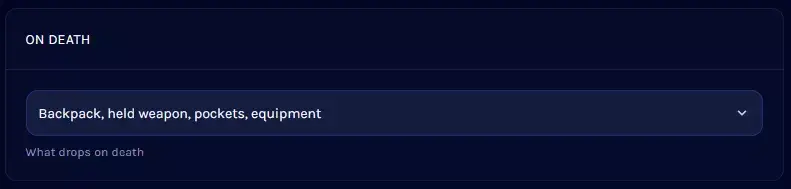
5. Open the dropdown menu and select the desired penalty.
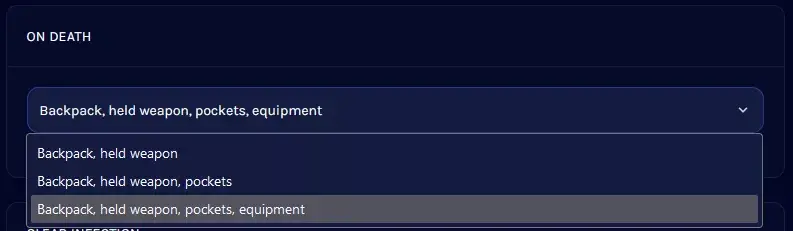
| Note | This setting cannot completely disable item dropping. Players will always drop their backpack and equipped weapons. |



