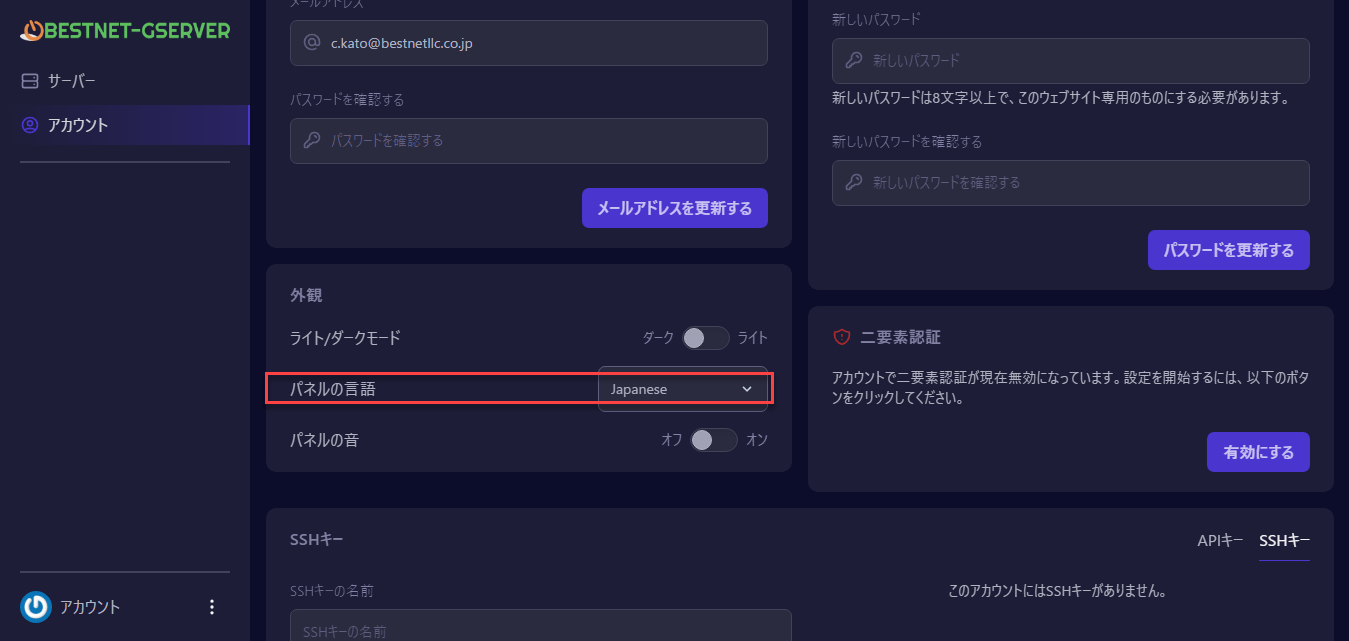
After logging into the game panel, select "Account" in the left pane and the page will open
You can select Japanese language as shown on the screen