How to Change the Maximum Number of Players on a Soulmask Server
1. Log in to the Game Panel.

2. Stop your server.
3. Navigate to the [Start up] tab.

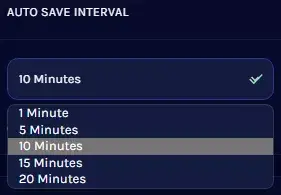
4. In the [AUTO SAVE INTERVAL] field, select your desired time from the dropdown.
5. Restart your server.