Contents
Overview
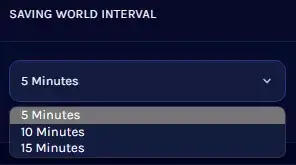
The HumanitZ server world save interval determines how frequently the game world is saved to prevent data loss and maintain player progress.
This setting allows server administrators to balance save frequency with server performance, minimizing interruptions while protecting player actions.
Shorter save intervals increase data safety but increase server load.
The optimal approach is to shorten the interval while monitoring server load in use, to a degree that does not interfere with gameplay.