
Contents
Overview
The HumanitZ server multiplayer sleep setting controls whether in-game time passes when you are resting in bed.
How to edit the multiplayer sleep setting on HumanitZ server
1. Log in to the Game Panel.
2. Stop the server.

3. Navigate to the [Startup] tab.

4. In the [MULTIPLAYER SLEEP] field, change to your desired value.
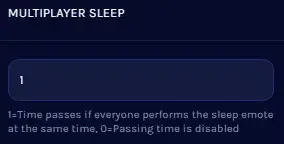
| Setting | Description |
0 | Time pass is disabled while players are sleeping. |
1 | Time passes when all players are sleeping. |


