Contents
- How to use the Plugin Manager on a Minecraft server
- STEP1. Log in to the game panel.
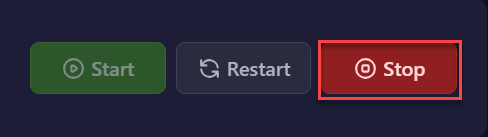
- STEP2. In "Dashboard", click "Stop" at the top-right of your server entry.
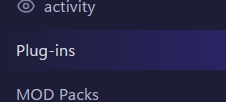
- STEP4. Select [plugins] from the left menu.
- STEP5. Use Search and filter categories to find the plugin you want.
- STEP6. Open the plugin you want.
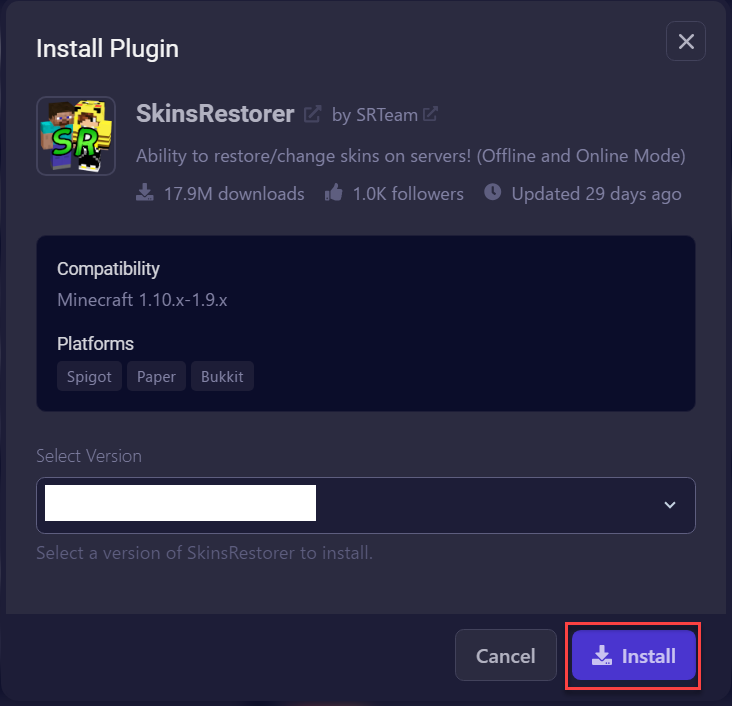
- STEP7. Select the version of the plugin you want.
- STEP8. Click the Install button.
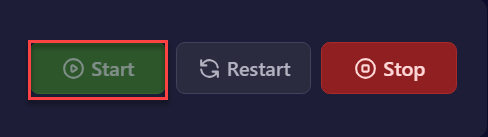
- STEP9. After the installation completes, return to "Dashboard" and start the server with the "Start" button.
| Requirement |
| You need PaperMC or SpigotMC installed on your server. |
How to use the Plugin Manager on a Minecraft server
STEP1. Log in to the game panel.
STEP2. In “Dashboard”, click “Stop” at the top-right of your server entry.
STEP4. Select [plugins] from the left menu.